
Top-5 Best IPS Monitors in 2026: From Budget to Premium

IPS technology remains the bedrock of the monitor market. While flashy OLED and ultra-bright Mini-LED variants capture the premium headlines, engineered In-Plane Switching (IPS) panels are still what most real-world setups actually require. No burn-in anxiety, superb color uniformity, and text clarity that keeps developers, office workers, and designers attached to their desks.
In 2026, raw spec chasing is a trap. As Ross Young, CEO of Display Supply Chain Consultants, confirmed: panel layout, controller firmware, and innovative backlight integrations dictate the actual viewing quality far more than pixel counts alone. A well-tuned panel looks premium even at lower resolution. From ultra-fast response intervals to the contrast-doubling IPS Black technology, IPS isn’t just surviving—it is actively evolving.
Here is the exact breakdown of the top 5 IPS monitors dominating the market across every use case and price tier right now.
Quick Comparison Table
| Model | Specs Summary | Target Audience | Standout Feature | Price Tier |
| ASUS ROG Strix XG27ACS | 27″, 1440p, Fast IPS, 180Hz | Budget-conscious gamers, mixed-use | ELMB-Sync & Factory Calibration | ~$250–$300 |
| ViewSonic XG2431 | 24″, 1080p, Fast IPS, 240Hz | Esports players, competitive gaming | Blur Busters Strobe Certification | ~$280–$330 |
| Dell S2722QC | 27″, 4K, IPS, 60Hz | Office productivity, coders | USB-C 65W Power Delivery | ~$350–$400 |
| Dell UltraSharp U4025QW | 40″ Curved, 5K2K, IPS Black, 120Hz | Creative pros, heavy multitasking | $2,000:1$ Contrast & 140W Type-C | ~$1,700–$1,900 |
| ASUS ROG Strix Pulsar XG27AQNGV | 27″, 1440p, Fast IPS, 360Hz+ | High-tier enthusiast gamers | NVIDIA G-Sync Pulsar Hardware | ~$650–$750 |
1. The Budget King: ASUS ROG Strix XG27ACS
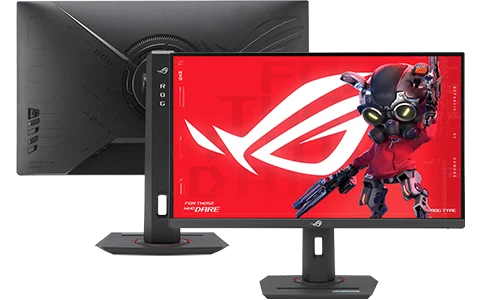
Best For: Budget-conscious gamers, mainstream everyday performance, and entry-level creative work.
Price Range: $250–$300 | Peak Brightness: 350–400 nits | Contrast Ratio: $1,000:1$
Pros:
- Elite cost-to-performance ratio: Brings accurate 1440p resolution and a fluid 180Hz refresh rate directly to mainstream builders.
- Exceptional factory calibration: Over 95% DCI-P3 coverage out of the box, making it usable for color-sensitive hobby work instantly.
- ELMB-Sync technology: Successfully combines backlight strobing with variable refresh rate (VRR) to minimize ghosting without panel tearing.
- Zero burn-in risk: Inherent structural architecture allows mixed desktop use, web navigation, and gaming marathons without operational concern.
Cons:
- Modest native contrast: Limits dark-room immersion; deep blacks tend to look slightly gray in completely unlit environments.
- Minimal HDR impact: Lacks physical local dimming hardware, meaning HDR processing is mostly on paper despite processing signals.
Verdict: The absolute default recommendation for a 27″ monitor in 2026. It undercuts the premium market while retaining pristine motion clarity and great everyday colors.
2. The Esports Precision Tool: ViewSonic XG2431
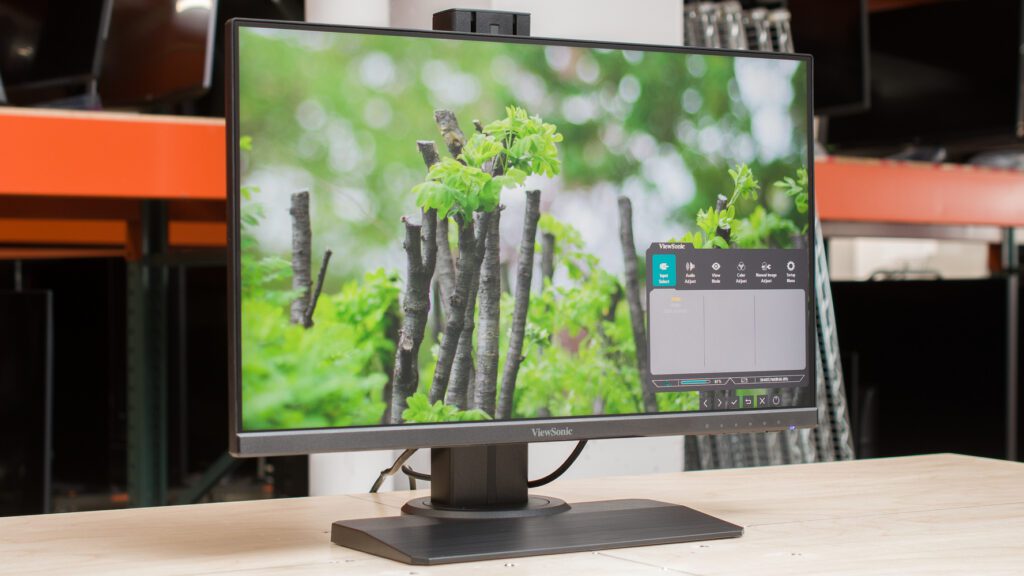
Best For: Competitive multiplayer, hardcore FPS titles, and high-framerate esports enthusiasts.
Price Range: $280–$330 | Response Time: 0.5ms–1ms GTG | Refresh Rate: 240Hz
Pros:
- Legendary motion clarity: Verified by official Blur Busters 2.0 strobe tuning certification, rendering motion sharper than poorly tuned 360Hz panels.
- Granular tuning profiles: Offers extremely fine control over backlight pulse widths and phases via a dedicated software utility.
- Wide viewing angles: Maintains excellent 178° viewing angles with less than 5% color shift, ensuring tracking uniformity across the frame.
- Ultra-low latency: Negligible input lag processing delivers instantaneous click-to-screen response cycles.
Cons:
- Low resolution layout: 1080p resolution on a 24-inch frame is built strictly for dynamic focus, sacrificing real estate for productivity.
- Brightness trade-off: Maximum brightness dips noticeably when intense backlight strobing profiles are engaged.
Verdict: A legendary esports tool. If your primary focus is motion tracking accuracy and pixel response consistency over raw layout resolution, this remains the definitive choice.
Best AI Tools for Students in 2026 That Professors Haven’t Banned Yet
Why Every Gadget Looks the Same in 2025 — and Why That’s a Problem
3. The Productivity Workhorse: Dell S2722QC
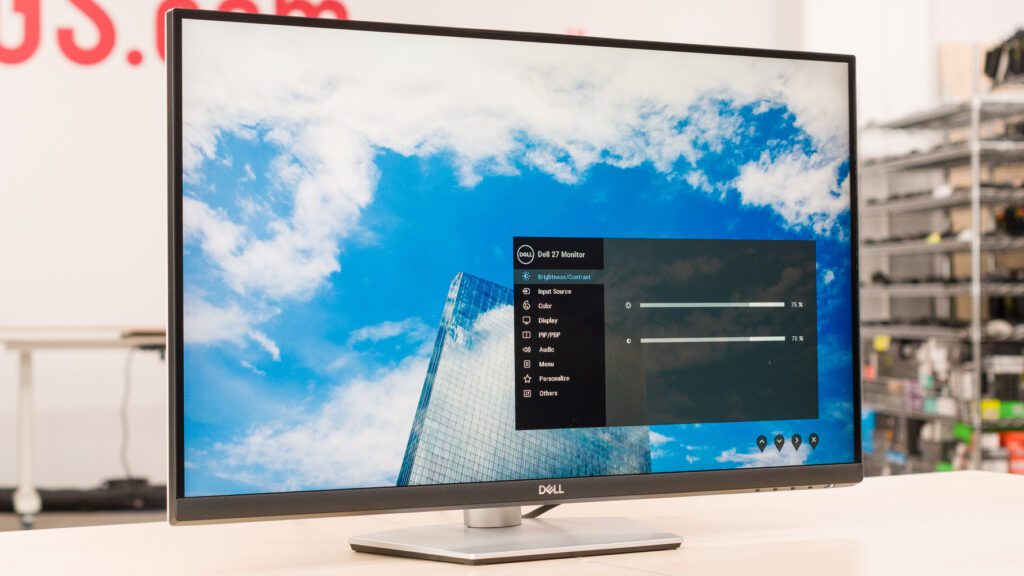
Best For: Office professionals, document editing, programming setups, and general mixed-use workflows.
Price Range: $350–$400 | Resolution: 4K UHD (3840×2160) | Connectivity: Type-C (65W)
Pros:
- Pristine text sharpness: A 4K layout spread across 27 inches maximizes pixel density for fatigue-free spreadsheet analysis and coding.
- Single-cable convenience: Utilizes a solid 65W USB Type-C pipeline to carry video signals, data tracks, and clean laptop charging simultaneously.
- Clean ergonomics: Sleek, professional industrial design with full ergonomic adjustability fits clean workplace environments.
- Infinite static lifespan: Safely allows static system elements (like code editors or Excel grids) to rest active all day without retention.
Cons:
- 60Hz refresh limitation: Excludes competitive gaming loops and lacks fast-scrolling user interface optimization.
- Standard color space: No dedicated wide color gamut support, tracking primarily traditional sRGB profiles.
Verdict: The ultimate modern home-office or commercial workplace monitor. It minimizes desk cable clutter while maximizing layout real estate and text sharpness.
4. The Ultra-Premium Studio Canvas: Dell UltraSharp U4025QW
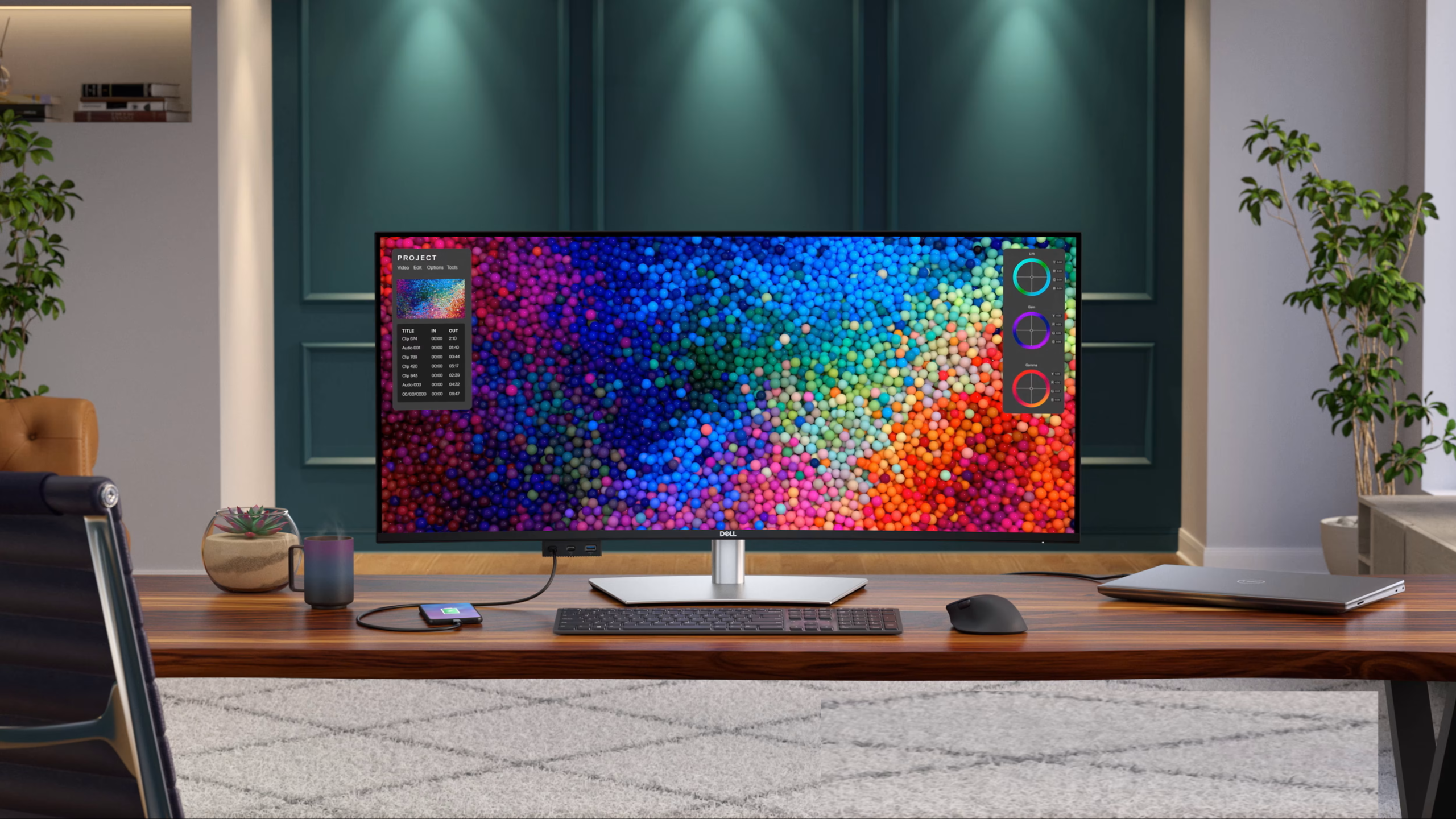
Best For: Creative directors, professional color graders, software developers, and luxury ultrawide workspaces.
Price Range: $1,700–$1,900 | Panel Technology: IPS Black | Resolution: 5K2K (5120×2160)
Pros:
- Next-gen IPS Black hardware: Doubles traditional contrast ratios up to a deep $2,000:1$ layout, heavily reducing typical IPS glow.
- Massive workspace canvas: 40-inch curved ultrawide desktop space provides native 5K2K resolution, matching dual-monitor arrays seamlessly on a single pane.
- Studio-grade color profiles: Delivering 99% DCI-P3 alignment with integrated Thunderbolt 4 infrastructure pushing 140W charging.
- Fluid interface tracking: Smooth 120Hz refresh upgrade offers high interface speed rarely found on large creative screens.
Cons:
- Premium enthusiast pricing: Demands a heavy monetary investment over conventional multi-screen choices.
- Large desktop footprint: Physical scale and weight require a robust, deep desk setup and dedicated structural support arms.
Verdict: A masterpiece of modern display engineering. It offers near-OLED static black depths without risking destructive layout burn-in, making it an unmatched hub for enterprise and creation.
5. The Ultimate Innovation Platform: ASUS ROG Strix Pulsar XG27AQNGV
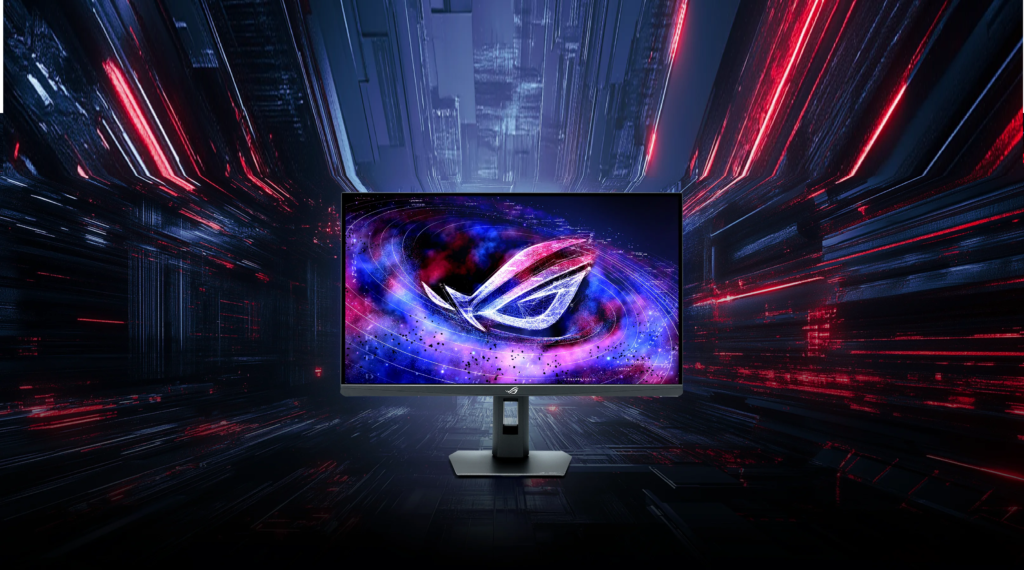
Best For: Cutting-edge enthusiasts, premium fast-paced gaming setups, and next-gen motion performance exploration.
Price Range: $650–$750 | Resolution: 1440p | Motion Tech: NVIDIA G-Sync Pulsar
Pros:
- Groundbreaking G-Sync Pulsar: Integrates dedicated hardware processors to synchronize backlight strobing directly with variable display rates.
- Unmatched LCD motion clarity: Delivers motion tracking precision matching or beating conventional 360Hz/480Hz architectures on a reliable IPS framework.
- The sweet spot layout: Strikes the absolute sweet spot with clean 1440p tracking performance across a balanced 27-inch frame footprint.
- Reliable performance: Outstanding color accuracy metrics combined with zero static alignment retention risks.
Cons:
- Hardware locked: Requires a modern matching NVIDIA graphics card pipeline to take full advantage of the internal hardware module.
- Premium pricing: Price point sits uncomfortably close to current 1440p entry-level OLED choices.
Verdict: A milestone display proving LCD performance is still pushing boundaries. It delivers staggering motion tracking precision without the delicate lifestyle adjustments forced by organic matrices.
The Specs That Actually Matter for IPS Buyers
When selecting a modern 2026 IPS monitor, look past standard marketing sheets and prioritize these verified architectural metrics:
- Standard IPS vs. IPS Black: For desktop office optimization, text rendering, and photography work, search for $2,000:1$ IPS Black matrices. They structurally cut light leaks, delivering significantly deeper dark tones.
- Refresh Rate Integration: Ignore basic 60Hz panels unless you work strictly with static documents. 120Hz–180Hz panels significantly reduce structural eye strain during basic desktop tracking and scrolling maneuvers.
- Strobe Timing Quality: Look for validated motion-blur reduction implementations like Blur Busters or hardware-driven NVIDIA Pulsar modules if you track fast-moving tactical frames.
Panel Tech Decision Matrix (IPS Focus)
| Specific Workflow | Primary Recommendation | The Structural Reason Why |
| 8-12 Hour Text, Code, & Static Layouts | Dell S2722QC / UltraSharp Array | Absolute structural immunity to image persistence; clean subpixel text rendering profiles. |
| Mixed Day-Job & Competitive Gaming | ASUS ROG Strix XG27ACS | Blends accurate workspace sRGB/DCI-P3 color spaces with high-refresh frame rendering. |
| High-End Motion Tracking & Esports | ViewSonic XG2431 / Pulsar Lineup | Maintains ultra-fast response tracking intervals while avoiding organic panel wear. |
| Professional Print & Studio Layouts | Dell UltraSharp U4025QW | Uniform off-axis views with extended wide-gamut tracking matrices ($2,000:1$ contrast). |