
Why Every Browser Is Becoming an AI Interface in 2026

For decades, a browser was just a frame—a neutral border around a website. You provided the URL, and the browser rendered the code. But in 2026, the frame has become the brain. We have entered the era of the Agentic Browser. Instead of navigating menus and clicking through dozens of tabs, users now interact with a single command line or a persistent sidebar that controls the entire web experience. The browser is no longer a tool to find information; it is an interface to execute actions.
The Big Four: How They Transformed by April 2026
1. Microsoft Edge: The Copilot Shell
Microsoft was the first to go “all-in,” and by 2026, Edge has been officially rebranded under the Microsoft AI team. The UI has completely shifted to match the Copilot design language—softer, rounded “pill” shapes and iOS-style toggles.
- The “Copilot Mode”: This isn’t just a sidebar anymore. It is a native layer that runs across every tab. In April 2026, Edge introduced “Multi-Tab Reasoning,” allowing the browser to compare data from five different open tabs (e.g., comparing prices, flight times, or specs) and generate a single summary without the user switching between them.
- IMDb-style Ratings for Products: Every product page you visit is now automatically overlaid with AI-generated trust scores and summarized reviews from Reddit and YouTube.
Best AI Tools for Students in 2026 That Professors Haven’t Banned Yet
Why Every Gadget Looks the Same in 2025 — and Why That’s a Problem
2. Google Chrome: The Gemini Engine
Google took a more integrated approach. Chrome in 2026 doesn’t feel like an “AI browser”—it feels like a “Predictive Browser.”
- Search-Less Browsing: Using Gemini Nano (running locally on your device), Chrome now predicts your next move. If you are researching a trip, it automatically pre-loads “Tab Groups” with your flight, hotel, and itinerary, summarizing them into a Google Doc before you even ask.
- Universal Translation & Voice: The “Read Aloud” feature has evolved into a real-time, two-way translator for any video or text on the web, making the language of the source website irrelevant.
3. Arc: The “Browse for Me” Pioneer
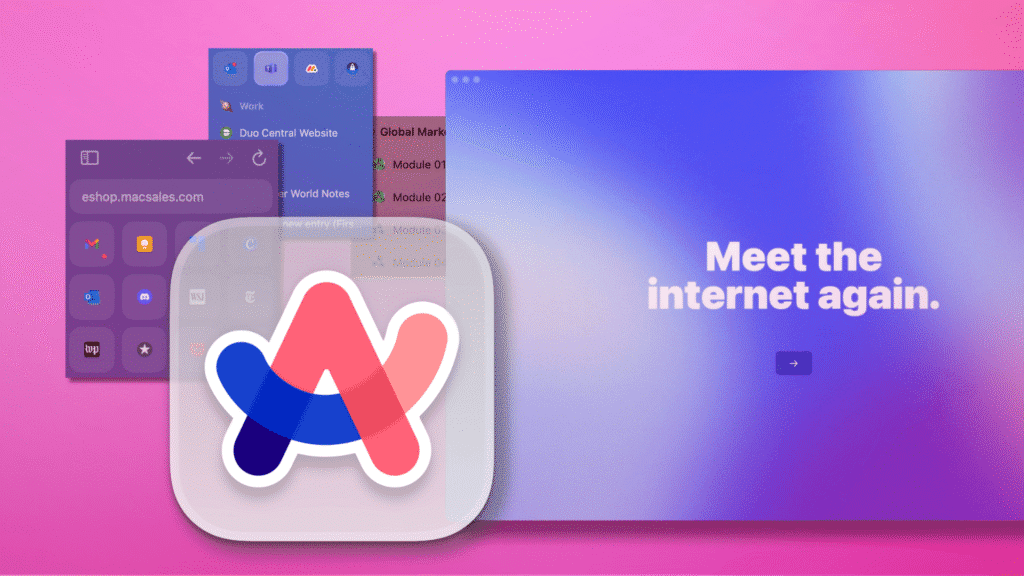
The startup that started the revolution remains the most radical. Arc in 2026 has doubled down on its “Browse for Me” feature.
- Zero-Click Research: You don’t “search” for a recipe in Arc anymore. You ask for one, and Arc creates a custom, temporary webpage that pulls the ingredients from one site, the instructions from another, and the video from a third—stripping away all ads and SEO fluff.
- Self-Organizing Spaces: Arc uses AI to dynamically create folders based on your current project, automatically archiving them when the project is done.
4. Opera & Brave: Privacy-First AI

By early 2026, Opera rebranded its “Aria” assistant to simply “Opera Browser AI,” focusing heavily on mobile contextual responses. Brave launched “Leo Premium” with its own secure, Brave-hosted infrastructure, ensuring that your AI interactions are never logged or used for training.
The Evolution of Browser Capabilities (2024 vs. 2026)
| Feature | The Old Browser (2024) | The AI Interface (2026) |
| Search Logic | Keywords / Links | Intent / Natural Language |
| Tab Management | Manual / Messy | ✅ Auto-Grouped & Summarized |
| Ad Handling | Ad-Blockers (External) | ✅ Content Distillation (Native) |
| Productivity | Copy/Paste across apps | ✅ Cross-Tab Execution (Copilot/Gemini) |
| Privacy | Incognito Mode | ✅ On-Device LLM (No Cloud Leak) |
| UI Design | Static Toolbars | ✅ Dynamic / Agentic Sidebars |
| Accessibility | Basic Screen Readers | ✅ Real-Time Video/Text Translation |
Why This Shift Is Irreversible
The move toward AI interfaces is driven by three “Deep Reset” factors:
- The Death of the Search Result Page: As AI “Overviews” become the standard, users have lost the patience to click through 10 links. They want the answer inside the browser interface.
- Web Overload: The volume of AI-generated content on the web has made manual filtering impossible. We need an “AI Filter” (the browser) to protect us from “AI Noise.”
- Local Processing Power: In 2026, modern laptops and phones have specialized NPUs (Neural Processing Units) that allow browsers to run powerful LLMs locally, meaning your data stays private and the AI is lightning-fast.
Final Thoughts
If the 2010s were about the “Open Web,” the 2020s are about the “Processed Web.” We are no longer sailors on the digital ocean; we are pilots in a cockpit. The browser of 2026 is your chief of staff, your researcher, and your filter. Those who still use a “static” browser will find the modern web increasingly unmanageable.