
How to Use AI If You’re Over 50: Plain English Guide to the Tools That Make Life Easier

Written for real people, not tech people. No jargon. No hype. Just what actually helps.
You’re Not Behind — You’re Just Picking the Right Moment to Start
If you’ve been watching everyone talk about AI and wondering whether any of it is actually useful for you — this is the article you were looking for.
Not ChatGPT reviews written for 25-year-old developers. Not breathless tech coverage that assumes you know what an API is. Just a clear, honest answer to: what can AI actually do for someone in their 50s, 60s, or beyond — and how do you start?
Here’s the honest starting point: 55% of Americans over age 50 have already interacted with some form of conversational AI — mostly through voice assistants they didn’t even think of as “AI.” You’ve probably already used it. This guide helps you use it intentionally.
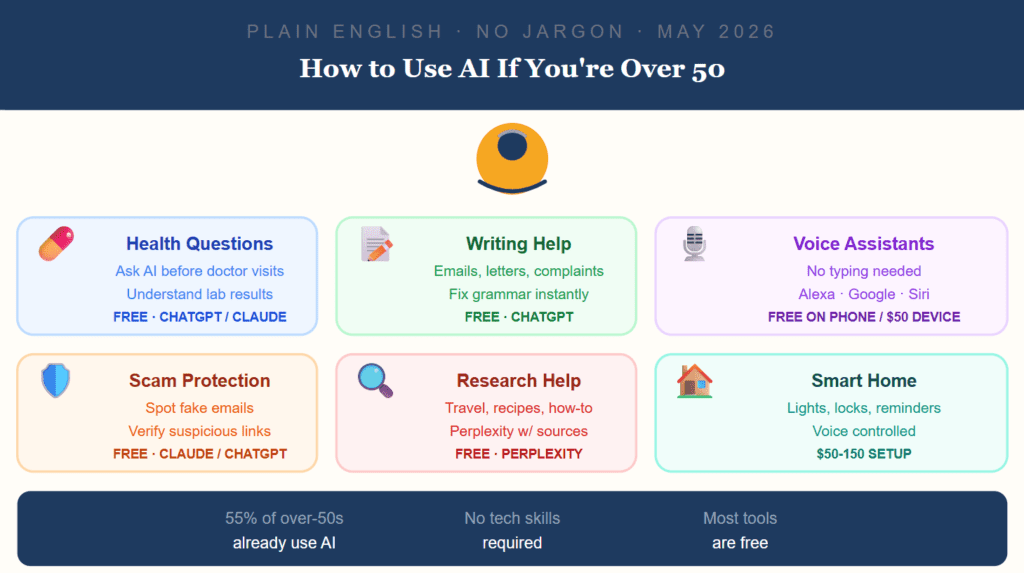
Quick Overview: What’s Out There
| Tool | What It Is | Cost | Tech Level Needed |
|---|---|---|---|
| ChatGPT | Type a question, get a real answer | Free / $20/mo | Low — just type |
| Claude | Same idea, excellent for writing help | Free / $20/mo | Low — just type |
| Perplexity | Like Google, but gives actual answers with sources | Free / $20/mo | Very low |
| Alexa / Google / Siri | Voice assistant — no typing at all | Free on phone / $50 device | Zero |
| ElliQ | AI companion device for home | ~$30-50/mo | Zero — it talks to you |
| KardiaMobile | Personal heart rhythm reader at home | ~$99 device | Low |
#1 — Ask Health Questions Without Feeling Rushed
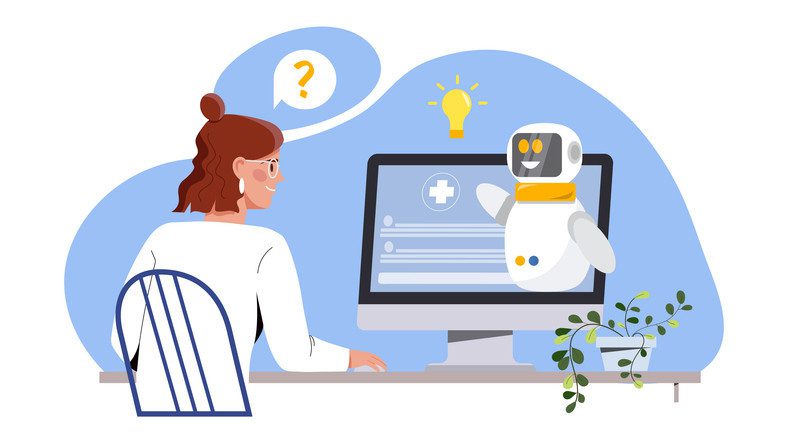
What it solves: You have 12 minutes with your doctor. You forgot to ask about your medication. You don’t understand what your lab result means.
How to use it: Open ChatGPT or Claude (free). Type your question in plain English.
Real examples of what to ask:
- “My doctor said my eGFR is 62. What does that mean in plain English?”
- “I’m taking lisinopril and my pharmacist mentioned grapefruit. Why does that matter?”
- “What questions should I ask my cardiologist at my appointment next week?”
What it does well: Explains medical terminology clearly, helps you prepare questions for appointments, summarizes conditions in plain language.
What it does NOT do: Diagnose you. Replace your doctor. Give you certainty. Treat these answers as a starting point for a conversation with your physician — not a conclusion.
How to start: Go to chat.openai.com or claude.ai. Type your question. No account needed for basic use.
Verdict: The most immediately useful thing AI can do for most people over 50 — turns confusing medical language into something you can actually understand before your next appointment.
Best AI Tools for Students in 2026 That Professors Haven’t Banned Yet
Why Every Gadget Looks the Same in 2025 — and Why That’s a Problem
#2 — Get Help Writing Emails, Letters, and Messages
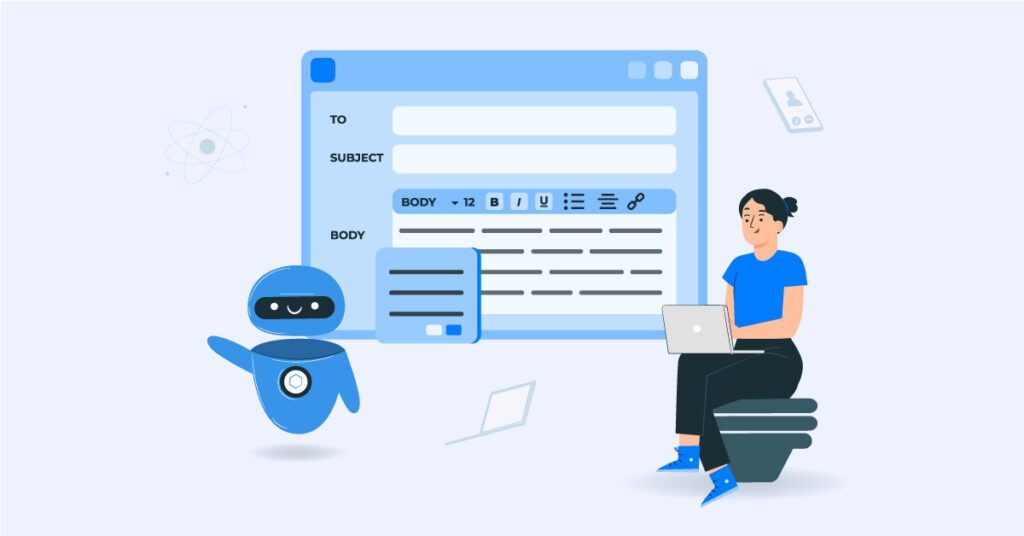
What it solves: You need to write a complaint letter to your insurance company. A difficult email to a family member. A cover letter for your grandchild. You know what you want to say but the words aren’t coming.
How to use it: Tell it what you need and roughly what you want to say. It writes a draft. You edit it.
Real examples:
- “Help me write a firm but polite letter to my insurance company. They denied my claim for physical therapy after my knee surgery and I want to appeal.”
- “Can you help me write a birthday message for my grandson who just graduated? I want it to feel personal, not generic.”
- “Fix the grammar in this email I wrote:” [paste your email]
The key thing to know: You don’t have to use what it writes word for word. Think of it as a first draft that you then adjust to sound like you.
Verdict: Saves significant time on anything written — and the grammar correction feature alone is worth knowing about.
#3 — Voice Assistants: AI You Don’t Have to Type To Use
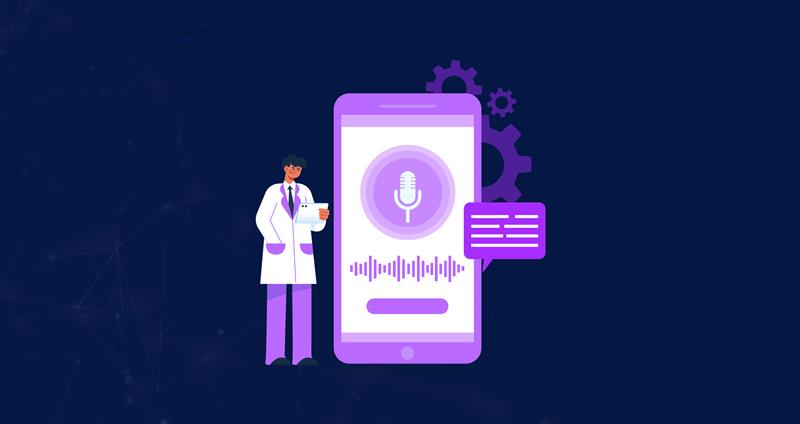
What it solves: Typing on a small screen is frustrating. Arthritis, vision, or just preference for talking instead.
Voice assistants are the most accessible AI technology for older adults because they require no typing, no small buttons, and no technical knowledge. You speak, and the device responds.
What you can do with Alexa, Google Home, or Siri:
- “Alexa, remind me to take my blood pressure medication at 8am every day”
- “Hey Google, call my daughter”
- “Siri, what’s the weather this afternoon?”
- “Alexa, turn off the living room lights”
- “Hey Google, what’s a good substitute for buttermilk in a recipe?”
Cost reality:
- Already on your phone: free (Siri on iPhone, Google on Android)
- Amazon Echo device: $50–$100 one-time
- Google Nest: $50–$100 one-time
- No monthly fee for basic use
For arthritis or low vision specifically: Devices such as smart glasses and smartphones are incorporating accessibility features that help older adults maintain independence, using tools like voice commands and simplified interfaces. Voice is the unlock — once you get comfortable with “hey Alexa,” the friction of using technology drops dramatically.
Verdict: The single easiest entry point into AI for anyone who dislikes typing — and genuinely useful for daily reminders, calls, and home control.
#4 — Spot Scams Before They Get You

What it solves: You get an email that looks like it’s from your bank. Or from Medicare. Or from FedEx. You’re not sure if it’s real. Financial scams targeting older adults are increasing every year.
How to use it: Copy and paste the suspicious email or message into ChatGPT or Claude and ask:
- “Does this email look like a scam? Here’s what it says:” [paste the text]
- “Is this a legitimate Medicare email or is it phishing?”
- “I got this text message from someone claiming to be from my bank. Does anything look wrong?”
What AI catches that you might miss:
- Urgency language designed to panic you (“act within 24 hours”)
- Email addresses that look right but have subtle differences (paypa1.com vs paypal.com)
- Requests for unusual payment methods (gift cards, wire transfers)
- Grammar patterns common in international scam operations
The rule: Never click a link in a suspicious email first. Copy the text, ask AI, then decide.
Verdict: One of the most practical safety uses of AI for anyone — takes 30 seconds and can prevent serious financial harm.
#5 — Research Anything Without Wading Through 40 Ads
What it solves: You search Google for “best hearing aids 2026” and get 15 sponsored results and review sites that are actually advertising. You want a real answer.
The tool for this: Perplexity (perplexity.ai) — free, gives you answers with cited sources you can actually check.
Real examples:
- “What are the most reliable hearing aids under $1,500 that work with iPhone?”
- “I’m planning a trip to Portugal in October. What should I know?”
- “What’s the difference between a Roth IRA and a traditional IRA in plain English?”
- “Are there any medication interactions I should know about between metformin and ibuprofen?”
Why Perplexity over Google: It synthesizes information and gives you a direct answer with the sources listed. You can see where the information came from and verify it. No wading through ads.
Verdict: Replace half your Google searches with Perplexity and you’ll spend significantly less time frustrated by search results that don’t answer your question.
#6 — Smart Home Setup: Control Your Environment With Your Voice
What it solves: Getting up to adjust the thermostat. Remembering if you locked the door. Turning off lights in another room. Managing routines as mobility changes.
Smart home systems enable seniors to control lighting, temperature, appliances, and doors through voice commands or touchscreens, reducing physical strain and enhancing accessibility.
The practical setup for most people:
| Device | What It Does | Cost |
|---|---|---|
| Amazon Echo (Alexa) | Voice hub for home control | $100–150 |
| Smart bulbs (Philips Hue, etc.) | Voice-controlled lights | $15–30/bulb |
| Smart thermostat (Nest, Ecobee) | Auto-adjusts, voice controlled | $50–250 |
| Smart lock (Schlage, August) | Lock/unlock with voice or phone | $50–250 |
| Video doorbell (Ring) | See and speak to door visitors on phone | $50–200 |
Start simple: One Echo device and two smart bulbs. That’s $80 and takes 20 minutes to set up. If you like it, expand from there.
Verdict: High-impact for anyone with mobility concerns or who wants to reduce daily friction — the ROI on physical ease is genuinely significant over time.
The 3 Things People Over 50 Always Ask
“Is my information private when I use ChatGPT?” Avoid putting sensitive personal information — Social Security numbers, full financial account details, passwords — into any AI chat. Treat it like a conversation in a coffee shop: useful, but not private. For health questions, use general descriptions (“my 68-year-old mother with Type 2 diabetes”) rather than full names and identifiers.
“What if I type something stupid and it judges me?” It doesn’t. There are no stupid questions. AI chat has no memory between sessions (unless you enable it). Nobody sees what you typed. Ask freely.
“What if it gives me wrong information?” It can — and this is important to know. AI is very good at explaining things clearly and very bad at knowing when it’s uncertain. For health, financial, and legal decisions: use AI to understand and prepare questions, then verify with a professional. For recipes, travel, writing, and general knowledge: it’s reliable enough to use directly.
Where to Start (Literally, This Afternoon)
Step 1: Go to claude.ai or chat.openai.com on your phone or computer. Step 2: Type: “Explain [something you’ve been confused about] in plain English.” Step 3: If the answer is too complicated, type: “Can you explain that more simply?”
That’s it. You don’t need an account for basic use. You don’t need to understand how it works. You just need a question.
The learning curve is shorter than learning a new phone. Most people feel comfortable within 20 minutes of actual use.
FAQ
Q: What is the easiest AI tool for someone who’s never used AI before? A voice assistant already on your phone — Siri on iPhone or Google Assistant on Android. You already have it. Say “Hey Siri, what’s the weather tomorrow?” That’s AI. Once comfortable with voice, try typing a question to ChatGPT or Claude.
Q: Is ChatGPT free for someone over 50 who just wants basic help? Yes. The free version of ChatGPT (chat.openai.com) and Claude (claude.ai) handle health questions, writing help, research, and scam checking with no payment required. The paid version ($20/month) adds more capacity and features — most people over 50 don’t need it to start.
Q: Can AI help me understand my Medicare or insurance paperwork? Yes, and this is one of the most practical uses. Paste the confusing section into Claude or ChatGPT and ask “What does this mean in plain English?” or “What do I need to do based on this notice?” It’s significantly better at plain-language explanation than most official documents are at being clear.
Q: Is it safe to ask AI about my medications? Safe to ask — with an important caveat. AI is good at explaining what medications do and flagging potential interactions to ask your pharmacist about. It cannot examine you, know your full medical history, or replace clinical judgment. Use it to generate informed questions, not final answers.
Q: What AI tool helps with loneliness or having someone to talk to? AI companions are tools, not replacements for human connection. They work best as a supplement — filling quiet hours, providing cognitive stimulation, and maintaining routines. ElliQ ($30–50/month) is purpose-built for this — it initiates conversations, asks about your day, and provides companionship without requiring a smartphone. ChatGPT and Claude can also hold long conversations on any topic. Neither replaces human relationships but both can help with quiet hours.
Q: My grandchildren keep talking about AI. Will this help me understand what they mean? Yes. Once you’ve used ChatGPT or Claude for a few weeks, you’ll understand exactly what they’re talking about — not from a technical standpoint, but from a practical one. You might even show them things they haven’t tried.
This guide is for informational purposes. For medical, legal, and financial decisions, always consult qualified professionals.