
How to Pick a Monitor in 2026: IPS vs OLED vs Mini-LED — What the Specs Mean

Monitor specs have gotten complicated fast.
Every product page throws OLED, Mini-LED, 2000 nits, 1ms GTG, and HDR1400 at you — and most buyers have no idea which numbers actually matter for how they use their screen.
In 2026, panel technology matters more to real-world experience than resolution for most people. Ross Young, CEO of Display Supply Chain Consultants, confirmed it: panel type now plays a larger role in perceived display quality than pixel count. A well-tuned panel looks premium even at lower resolution.
Here’s exactly what IPS, OLED, and Mini-LED mean — by use case, with real specs and real prices.
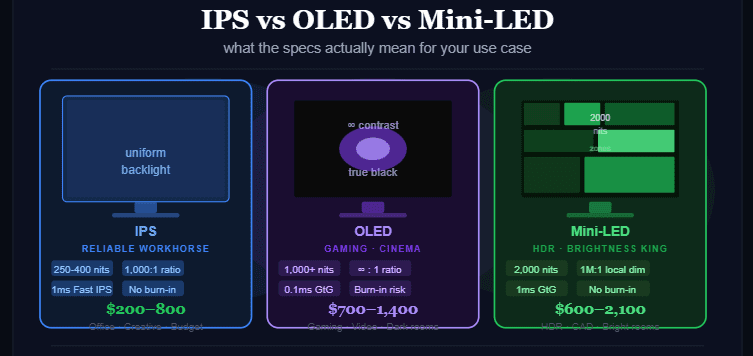
Quick Comparison Table
| Spec | IPS | OLED | Mini-LED |
|---|---|---|---|
| Contrast ratio | ~1,000:1 (IPS Black: 2,000:1) | ∞ : 1 (per-pixel off) | Up to 1,000,000:1 (local dimming) |
| Peak brightness | 250–600 nits (HDR: 1,000–1,400) | 1,000–1,500 nits peak | 1,400–2,000+ nits peak |
| Response time | ~1ms (Fast IPS) | Sub-0.1ms GTG | ~1ms GTG |
| Burn-in risk | None | Yes (static content) | None |
| Viewing angles | 178° with <5% color shift | Excellent | Excellent |
| Blooming | Minimal | None | Present (zone-dependent) |
| Lifespan | 7–10+ years | 3–5 years (varies by use) | 7–10+ years |
| Price range | $200–800 | $700–1,400 | $600–2,100 |
| Best for | Office, general use, creators | Gaming, cinema, dark rooms | HDR work, bright rooms, trading |
1. IPS — Best for Most People
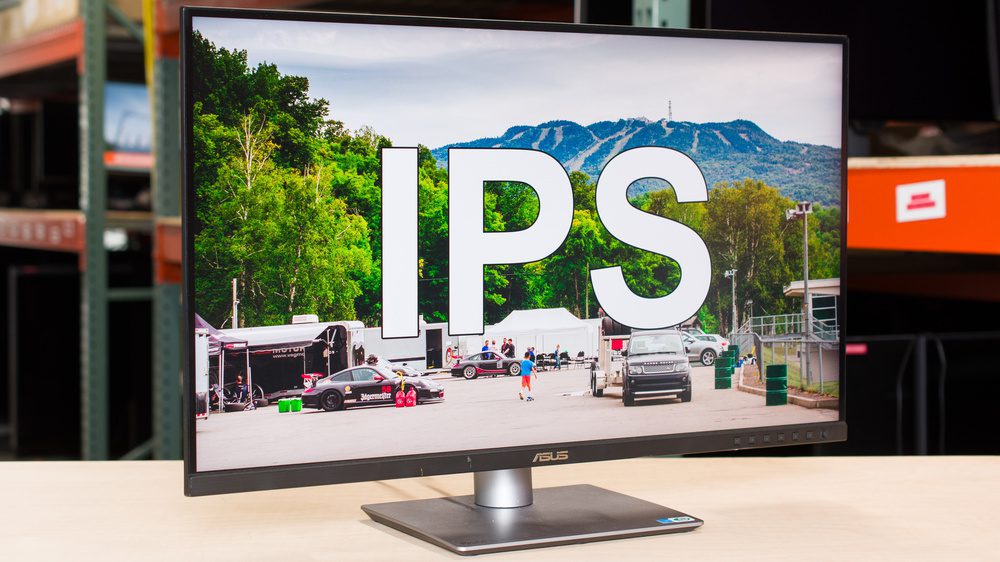
Best For: Office work, graphic design, everyday productivity, budget-conscious buyers
Price range: $200–800 | Peak brightness: 250–600 nits (1,400 with Mini-LED IPS)
Pros:
- 178° viewing angles with less than 5% color deviation — best consistency across the panel
- No burn-in risk — leave Excel, Slack, or a code editor open 12 hours a day, zero concern
- Most color-accurate panels for professional work use IPS: covers 95%+ sRGB, up to 95% DCI-P3
- Fast IPS variants hit ~1ms GTG — competitive gaming is absolutely viable
- IPS + Mini-LED backlight combo (available on premium models) narrows the gap to OLED significantly
- Lowest entry cost for a quality display — $300 gets you a genuinely good 27″ IPS monitor
Cons:
- Native contrast ratio of ~1,000:1 — blacks look grey in dark rooms compared to OLED
- Backlight bleed can occur at panel edges — especially on cheaper models
- Standard IPS brightness (250–400 nits) is modest — struggles in very bright rooms without Mini-LED backlight
Verdict: The right default for anyone who uses their monitor primarily for work, creative tasks, or mixed use — reliable, affordable, and burn-in proof.
We analyzed over 30 panels to find the absolute best values: Discover the top 5 IPS monitors you can buy right now.
2. OLED — Best for Gaming and Dark-Room Viewing
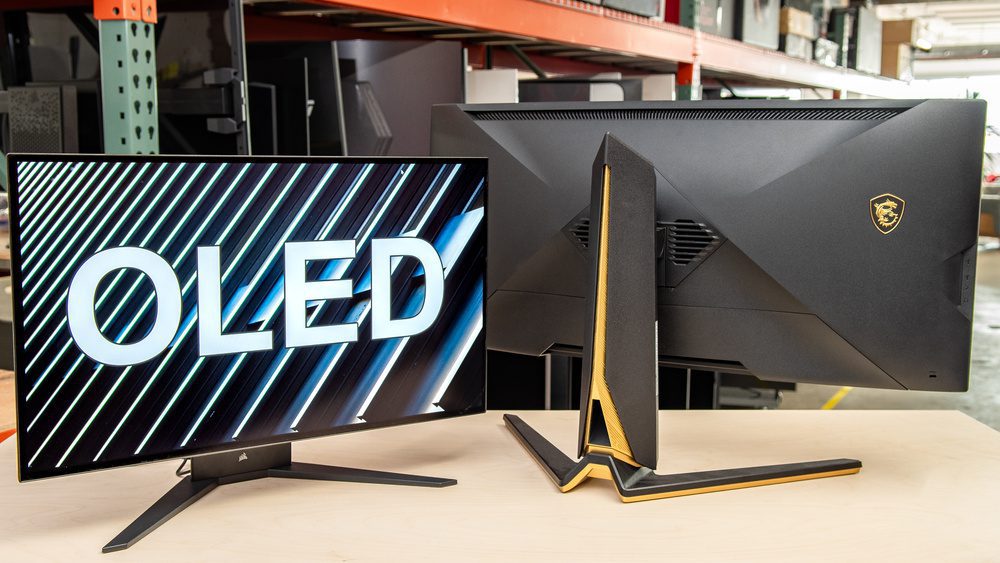
Best For: Competitive gaming, video/film consumption, cinematic content, dark-room setups
Price range: $700–1,400 | Response time: Sub-0.1ms GTG | Contrast: ∞ : 1
Benchmark data: LG 27GS95QE OLED at 240Hz showed motion clarity sharper than tested 360Hz LCD displays (OrdinaryTech.ca, January 2026)
Pros:
- Infinite contrast ratio — each pixel turns fully off, producing true black with zero glow
- Sub-0.1ms gray-to-gray response time — the fastest display technology available by a large margin
- No blooming whatsoever — bright objects on dark backgrounds look perfect, no halos
- 240Hz+ refresh rates are where OLED truly separates from everything else for competitive gaming
- Tandem OLED (2026 models) hitting 1,500+ nits peak — significantly improved from early OLED
Cons:
- Burn-in risk for static content: taskbars, IDE layouts, trading dashboards, Excel columns — all risk permanent image retention over thousands of hours
- Auto Brightness Limiter (ABL) kicks in on large bright windows — sustained full-screen brightness is limited to protect the panel
- Premium pricing: comparable performance to a Mini-LED panel costs 20–40% more
- Panel lifespan: 3–5 years of heavy use vs 7–10+ for IPS or Mini-LED (mitigated by 3-year burn-in warranties now standard on premium 2026 models)
- Anti-reflective coatings are more delicate than standard IPS matte coatings
The burn-in reality in 2026: Risk is exponentially lower than five years ago. Pixel shifting, automatic pixel refresh cycles in standby, and 3-year burn-in warranties are now standard on every major OLED monitor. The risk is real but manageable if your content is varied. The risk is concrete and not worth taking if your primary use is static professional applications (code editors, spreadsheets, financial charts).
Verdict: Best display technology for gaming and cinematic viewing in dark or light-controlled rooms — period. Not recommended as a primary work monitor for static-content-heavy workflows.
Get elite motion clarity without overpaying: Read our full guide to the best 2026 OLED displays.
Best AI Tools for Students in 2026 That Professors Haven’t Banned Yet
Why Every Gadget Looks the Same in 2025 — and Why That’s a Problem
3. Mini-LED — Best for HDR and Bright Environments
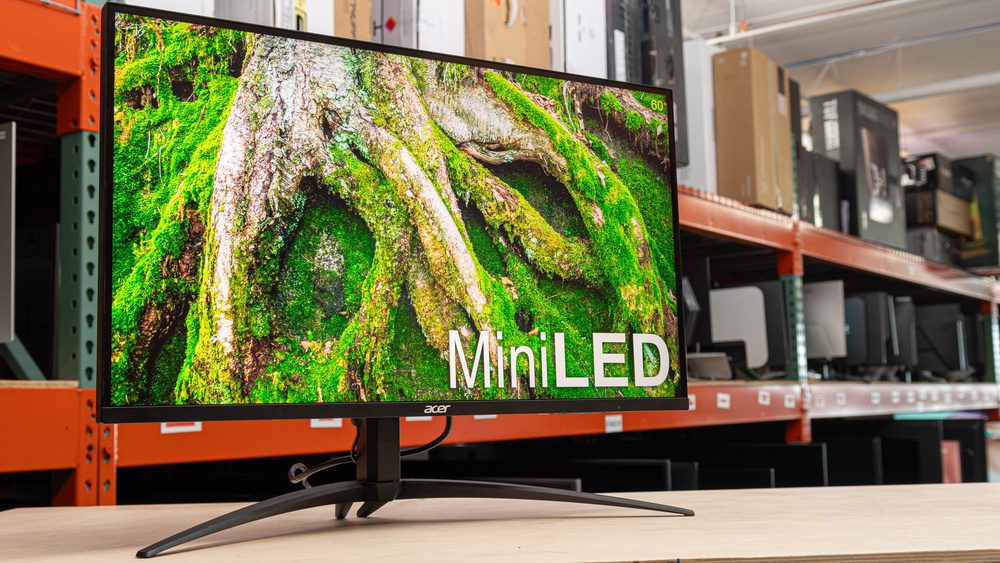
Best For: HDR content creation, CAD work, financial trading setups, bright office environments
Price range: $600–2,100 | Peak brightness: 1,400–2,000+ nits | Burn-in: None
Real-world data: Samsung Odyssey Neo G9 (financial trading configuration) — 2,000 nits peak brightness, nearly double current OLED panels at sustained full-screen levels (OrdinaryTech.ca, January 2026)
Pros:
- Brightness king — 2,000 nits is achievable at full-screen sustained levels, which OLED physically cannot do
- No burn-in risk — inorganic LED backlighting means you can display static content indefinitely
- Local dimming achieves near-OLED contrast in premium versions (1,000+ dimming zones)
- HDR mastering and color-critical work benefits from both extreme brightness headroom and accurate color
- 7–10+ year lifespan with no degradation risk
Cons:
- Blooming: bright objects on dark backgrounds produce visible halos from nearby LED zones — inescapable physics
- Zone count matters enormously: under 500 dimming zones produces distracting blooming that makes a quality IPS a better choice
- Premium pricing: the ASUS ROG Swift PG32UQX (1,152 zones, 1,400 nits sustained, 32″ 4K) costs $2,100
- Not as good as OLED for motion: fastest IPS/VA Mini-LED panels hit ~1ms GTG vs OLED’s sub-0.1ms
The zone count reality: A mid-range Mini-LED with under 500 zones often looks worse than a good IPS panel in real use. Below 500 zones, blooming becomes distracting. The performance difference you’re paying for doesn’t materialize until you’re in the 1,000+ zone tier.
Verdict: The professional’s alternative to OLED — superior brightness, zero burn-in risk, exceptional HDR performance. Worth the premium over IPS for HDR-heavy workflows; zone count is the critical spec to verify before buying.
Looking for the ultimate bright-room display alternative? Discover the top-performing Mini-LED models of 2026.
Panel Tech Decision Matrix
| Use Case | Recommended | Why |
|---|---|---|
| Office / Productivity | IPS | No burn-in, consistent color, cost-efficient |
| Graphic Design / Photo Editing | IPS or Mini-LED IPS | Color accuracy + no burn-in risk |
| Competitive Gaming | OLED | Sub-0.1ms response, highest motion clarity |
| Cinematic Gaming (dark room) | OLED | True black, infinite contrast, no blooming |
| HDR Content Creation | Mini-LED | 2,000 nit headroom, accurate HDR mastering |
| CAD / Engineering (bright room) | Mini-LED | Sustained brightness, no burn-in |
| Financial Trading (static) | Mini-LED or IPS | No burn-in risk on static charts |
| Mixed Use (gaming + work) | OLED with caution | Only if content is varied, not static-heavy |
| Budget Pick | IPS | Best value, most reliable long-term |
The Specs That Actually Matter (and the Ones That Don’t)
Pay attention to:
Nits (brightness): The most underestimated spec. 250-nit displays are painful in bright rooms. For office use: 400+ nits minimum. For HDR: 1,000+ nits. For Mini-LED HDR: 1,400–2,000 nits.
Contrast ratio: The native number matters for IPS (look for IPS Black if you want better blacks without OLED). For OLED, ∞:1 is real. For Mini-LED, the local dimming ratio depends entirely on zone count.
Response time (GTG): Sub-1ms for competitive gaming. OLED at sub-0.1ms is visibly superior at 240Hz+. For office use, this spec is irrelevant.
Dimming zones (Mini-LED only): The single most important spec for Mini-LED. 500 zones = blooming issues. 1,000+ zones = legitimately impressive HDR performance.
Don’t overweight:
- 4K vs 1440p: At 27 inches, 1440p is sharp. 4K at 27 inches at normal viewing distance is marginal. Choose refresh rate and panel quality over resolution.
- Advertised peak brightness: A 3% window peak brightness spec is marketing. Check sustained full-screen brightness — that’s the real number.
- HDR certification tier alone: HDR400 certification is nearly meaningless. HDR1000+ is where HDR becomes genuinely impactful.
What to Buy at Each Budget (May 2026)
Under $400: Quality 27″ IPS — LG UltraGear IPS lineup, Dell S-series. Reliable, color-accurate, burn-in proof.
$400–$800: 27″ 1440p 165Hz+ IPS or entry Mini-LED IPS. Best value tier for most users.
$700–$1,000: 27″ 1440p OLED (gaming) — LG 27GS95QE or equivalent. Best gaming monitor available at this size.
$1,000–$1,400: 32″ 4K OLED — LG 32GS95UE ($1,400). Outstanding for gaming and creative work with varied content.
$1,400–$2,100: 32″ 4K Mini-LED (high zone count) — ASUS ROG Swift PG32UQX ($2,100, 1,152 zones, 1,400 nits). For HDR mastering, professional work requiring extreme brightness.
FAQ
Q: Is OLED or Mini-LED better for gaming in 2026? OLED for competitive gaming and dark-room cinematic play — sub-0.1ms response and infinite contrast are decisive. Mini-LED for HDR gaming in bright rooms where you need 2,000 nits sustained and have no burn-in tolerance.
Q: Is OLED burn-in still a problem in 2026? Reduced significantly but not eliminated. For gaming and media consumption (varied content): manageable with modern pixel-refresh firmware, and most premium OLED monitors now include a 3-year burn-in warranty. For static professional work (code editors, Excel, trading charts): real risk over thousands of hours. Use IPS or Mini-LED instead.
Q: What does “nits” actually mean? Nits measure brightness. 250 nits = adequate indoors. 400 nits = comfortable in most conditions. 1,000+ nits = HDR capable. 2,000 nits = Mini-LED peak, HDR mastering grade. The number you want depends on your room lighting and HDR ambitions.
Q: What is blooming on Mini-LED monitors? When a bright object appears on a dark background, nearby LED zones illuminate slightly, creating a visible halo around the bright object. More dimming zones = smaller, less visible halos. Under 500 zones: distracting. 1,000+ zones: usually acceptable. OLED has zero blooming.
Q: Is IPS still worth buying in 2026? Yes — for most use cases. If you work primarily with static content, need a long-lasting panel, or can’t justify $700+ for OLED, a quality IPS (especially an IPS Black or Mini-LED IPS variant) is the correct choice for 2026.
Prices and availability change frequently. Verify current specifications on RTINGS.com or the manufacturer’s product page before purchasing.