
Best Free AI Tools in 2026 You’re Probably Not Using

AI tools are everywhere in 2026. Most people already know about ChatGPT, Midjourney, or Copilot, but there are hundreds of other AI tools that are just as useful — and many of them are free.
The problem is that popular lists often repeat the same apps, while many powerful tools stay unnoticed. Some of them are great for research, others for images, video, coding, or productivity, and many offer free plans that are enough for everyday use.
This guide focuses on free AI tools you can actually use right now. No fake apps, no paid-only services, and no hype — only real tools with working free versions.
These tools are especially useful for students, creators, freelancers, and anyone who wants to save time using AI.

1. Perplexity AI — One of the Best Free AI Search Tools
Perplexity AI is one of the most useful AI tools for research. Instead of showing only links like a search engine, it gives direct answers with sources.
Free plan includes:
- AI search
- citations
- fast responses
- basic models
Why it is useful:
- great for writing
- good for learning
- better than search for many tasks
Many people use ChatGPT, but Perplexity is often better for finding information.
2. Poe — Use Multiple AI Models in One Place
Poe allows you to use different AI models inside one interface. The free version gives access to several models with daily limits.
You can use it for:
- writing
- coding
- chatting
- testing prompts
Why it is useful:
- try different AI without paying
- compare answers
- simple interface
Many users do not know that Poe gives free access to several models at once.
Canva AI vs Adobe Express vs Figma: Best Design Tool for Non-Designers in 2026?
Why Every Gadget Looks the Same in 2025 — and Why That’s a Problem

3. Leonardo AI — Free AI Image Generator With Daily Credits
Leonardo AI is one of the best free image generators available right now.
Free plan usually includes:
- daily credits
- multiple models
- image styles
- upscaling tools
Good for:
- art
- game assets
- thumbnails
- design
- social media
It is popular among creators but still not as widely used as Midjourney.

4. Runway — Free AI Video Tools
Runway offers AI tools for video editing, effects, and generation.
Free plan includes limited usage, but it is enough to try the main features.
You can use it for:
- video editing
- background removal
- text to video
- AI effects
Why it is useful:
- saves time
- good for content creators
- works in browser
AI video tools are becoming more common in 2026, and Runway is one of the easiest to use.

5. Hugging Face Spaces — Hundreds of Free AI Tools
Hugging Face Spaces is not one tool but a collection of many free AI projects.
You can find tools for:
- image generation
- voice
- text
- coding
- translation
- research
Most tools are free because they are open-source demos.
Why it is useful:
- huge library
- many experimental tools
- free access
Many people never use Hugging Face, but it has one of the biggest collections of AI tools online.

6. Remove.bg and AI Image Cleanup Tools
Simple AI tools can save a lot of time.
Remove.bg and similar services allow you to:
- remove background
- clean images
- enhance photos
- upscale pictures
Free plans usually have limits, but they are enough for normal use.
These tools are useful for:
- designers
- bloggers
- students
- online sellers
Small AI tools are often more practical than large ones.
7. Canva AI Features — Free Tools Inside Canva
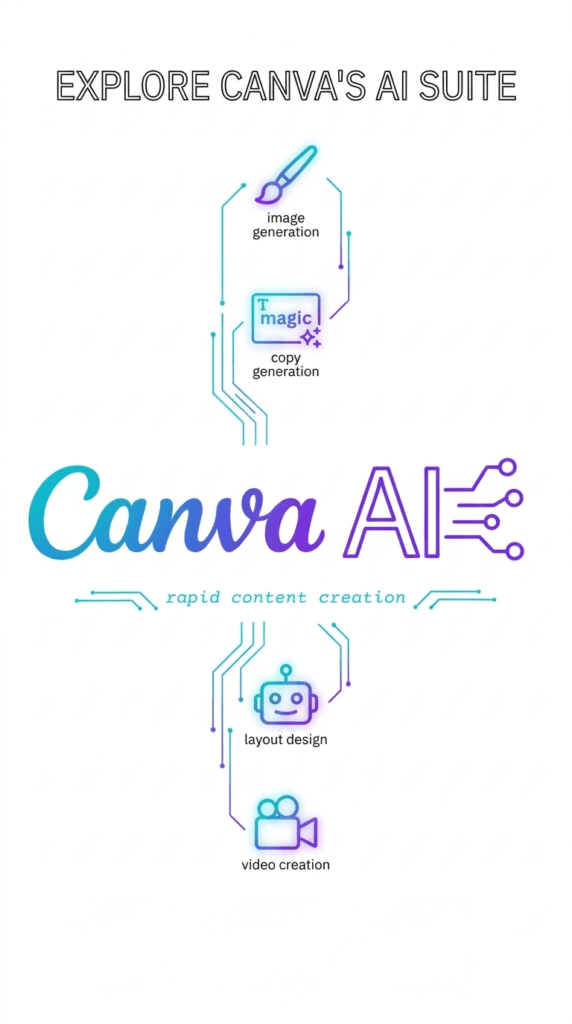
Many people use Canva but do not know how many AI features it has.
Free version includes:
- text to image
- background remover (limited)
- AI writing
- design suggestions
Good for:
- social media
- thumbnails
- presentations
- simple graphics
Canva is not only a design app anymore. It is becoming a full AI tool.
8. CapCut AI Tools — Free AI for Video Creators
CapCut has added many AI features that are free to use.
You can use it for:
- subtitles
- auto editing
- voice effects
- background removal
- AI filters
Why it is useful:
- free
- easy
- good for TikTok / YouTube / Shorts
Many creators use CapCut but do not explore its AI tools.
9. LM Studio / Local AI Tools (Free Offline AI)
Local AI tools are becoming more popular in 2026.
LM Studio allows you to run AI models on your own computer.
Benefits:
- free after setup
- private
- works offline
- no subscription
Not for beginners, but very useful for advanced users.
Many people do not know that you can use AI without paying monthly.
10. Google AI Tools (Hidden Free Features)
Google now has AI inside many services.
Examples:
- Docs AI writing
- Gmail suggestions
- Gemini free version
- image tools
- search AI
Some features are free but not obvious.
Many users already have access without knowing it.
Checking built-in AI tools can save money.
How to Choose Free AI Tools in 2026
Not every free tool is truly free.
Things to check:
- daily limits
- credits
- watermark
- paid upgrades
- region restrictions
The best strategy is to use several tools instead of one.
Different AI tools are good for different tasks.
In 2026, people who know how to combine tools work faster and spend less money.
Final Thoughts
Free AI tools are better than ever, but most users only know a few popular ones.
Many powerful tools are hidden inside platforms, open-source projects, or free plans that people never try.
You do not need expensive subscriptions to use AI every day.
With the right tools, you can write, edit, design, research, and create content for free.
Learning which tools to use is now one of the most valuable skills online.