
Local AI vs Cloud AI in 2026: The Hardware You Need to Run Your Own Assistant

In the early 2020s, most people used AI through cloud services. You opened a browser, logged into a platform, paid a subscription, and everything worked online. Services like OpenAI ChatGPT made powerful models accessible without needing expensive hardware.
But in 2026, the situation is starting to change.
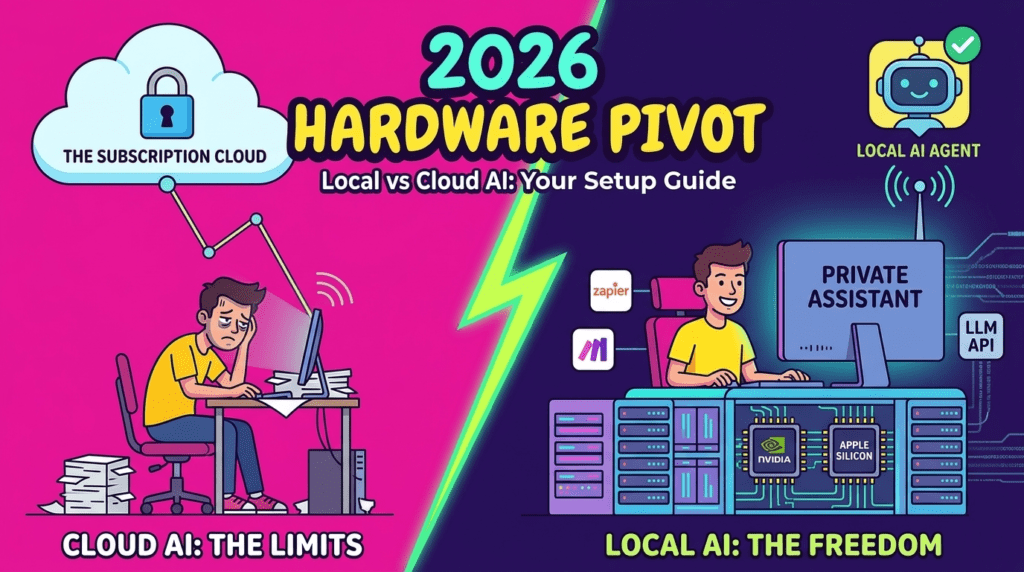
More users are experimenting with running AI locally on their own computers. New GPUs, AI chips, and optimized open-source models make it possible to run surprisingly powerful assistants at home. This does not mean cloud AI is disappearing — but it does mean the market is shifting toward a hybrid model.
If you are interested in self-hosted AI, offline assistants, or building your own setup, this guide explains what is really possible in 2026 and what hardware you actually need.
Why People Want Local AI in 2026
Cloud AI is still the easiest option, but it has limitations:
- monthly subscriptions
- usage limits
- privacy concerns
- internet dependency
- API costs for heavy users
Because of this, more developers and power users want to run models locally.
The main reasons:
✔ no subscription fees
✔ full control over data
✔ offline usage
✔ custom models
✔ faster response on good hardware
Companies like
Meta,
Mistral AI,
and open-source communities are releasing models designed to run outside the cloud.
This is one of the biggest AI trends of 2025–2026.
Canva AI vs Adobe Express vs Figma: Best Design Tool for Non-Designers in 2026?
Why Every Gadget Looks the Same in 2025 — and Why That’s a Problem
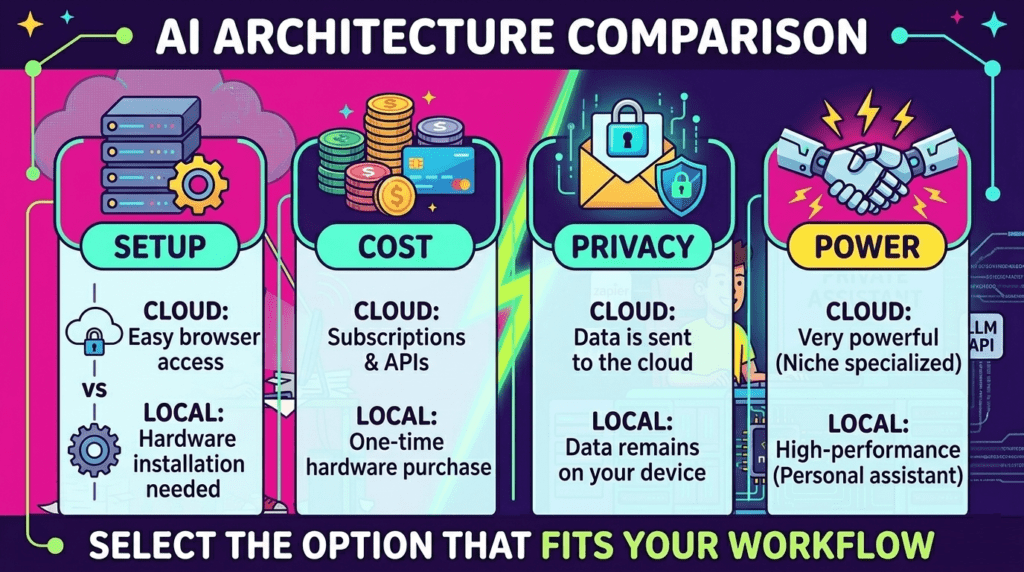
Local AI vs Cloud AI — What’s the Difference
| Feature | Cloud AI | Local AI |
|---|---|---|
| Setup | Very easy | Complex |
| Cost | Subscription / API | Hardware cost |
| Speed | Depends on server | Depends on GPU |
| Privacy | Limited | Full control |
| Power | Very high | Medium to high |
| Offline use | No | Yes |
Cloud platforms still offer the strongest models, but local AI is becoming good enough for many tasks.
That is why more people are building personal AI setups.
The Hardware You Need for Local AI in 2026
Running modern AI models requires strong hardware, especially a good GPU.
The most popular options right now come from:
- NVIDIA
- AMD
- Intel
- Apple
Below is a realistic comparison of what different setups can do (Check it: NVIDIA ChatRTX — Run AI Locally on Your PC).
Entry Level AI PC
| Hardware | Example | What you can run |
|---|---|---|
| GPU | RTX 4060 / 4070 | small LLMs, 7B models |
| RAM | 32 GB | basic assistants |
| Storage | SSD | required |
| Use case | chat, coding, small tools |
Good for testing local models, but not for large ones.
Mid Range AI Setup
| Hardware | Example | What you can run |
|---|---|---|
| GPU | RTX 4080 / 4090 | 13B–30B models |
| RAM | 64 GB | stable inference |
| CPU | modern 8–16 core | needed for loading |
| Use case | serious local assistant |
This is where local AI starts feeling powerful.
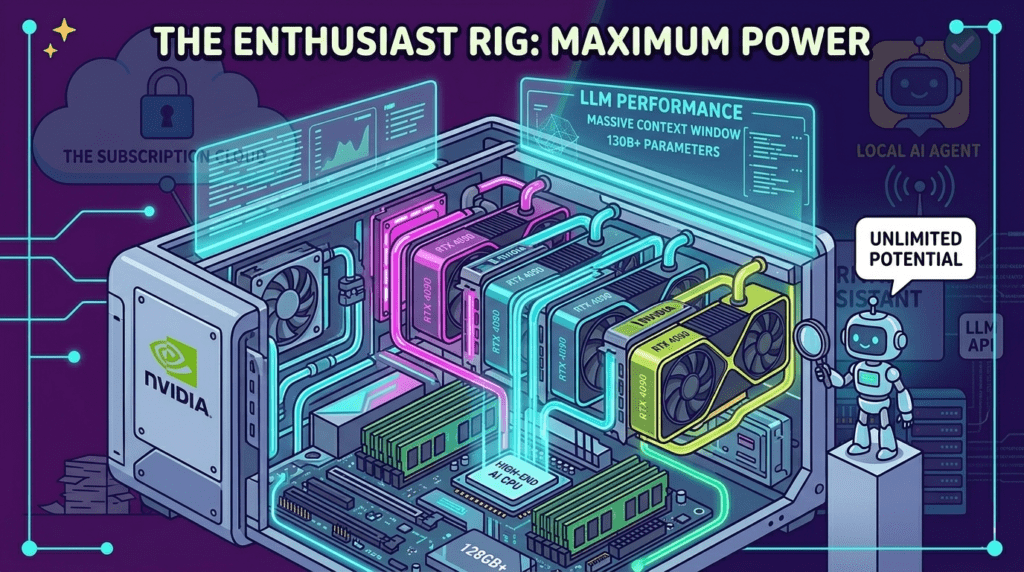
High-End / Enthusiast AI Rig
| Hardware | Example | What you can run |
|---|---|---|
| GPU | 4090 / multi-GPU | large models |
| RAM | 128 GB+ | big context |
| Storage | NVMe | fast loading |
| Use case | research / dev / AI tools |
Very expensive, but closest to cloud performance.
Apple Silicon and AI PCs
New chips with built-in AI acceleration are also becoming popular.
Examples include Apple M-series and new AI-focused processors from Intel and AMD.
Advantages:
- lower power usage
- good optimization
- strong local inference for smaller models
Disadvantages:
- limited GPU memory
- not ideal for very large LLMs
Still, AI-ready PCs are becoming a real category in 2026.
Top Open-Source Models People Run Locally (2026)
Open-source models improved a lot in recent years. These are some of the most popular families used for local AI setups (Check it: Meta Llama — The Frontier of Open-Source AI).
1. LLaMA-family models
Released by Meta, these models are widely used in local AI projects.
Popular for:
- chat assistants
- coding
- research
- custom fine-tuning
2. Mistral and Mixtral models
Developed by Mistral AI.
Known for:
- good performance per size
- efficient inference
- strong open-source support
Often used in self-hosted assistants.
3. Open-source coding models
Many developers run local models for programming help.
Typical use cases:
- code completion
- debugging
- offline dev tools
- private projects
Local models are popular here because cloud APIs can be expensive.
4. Small optimized chat models
Smaller models are becoming more practical.
Advantages:
- run on consumer GPUs
- fast responses
- low VRAM use
They are not as strong as cloud models, but good enough for daily tasks.
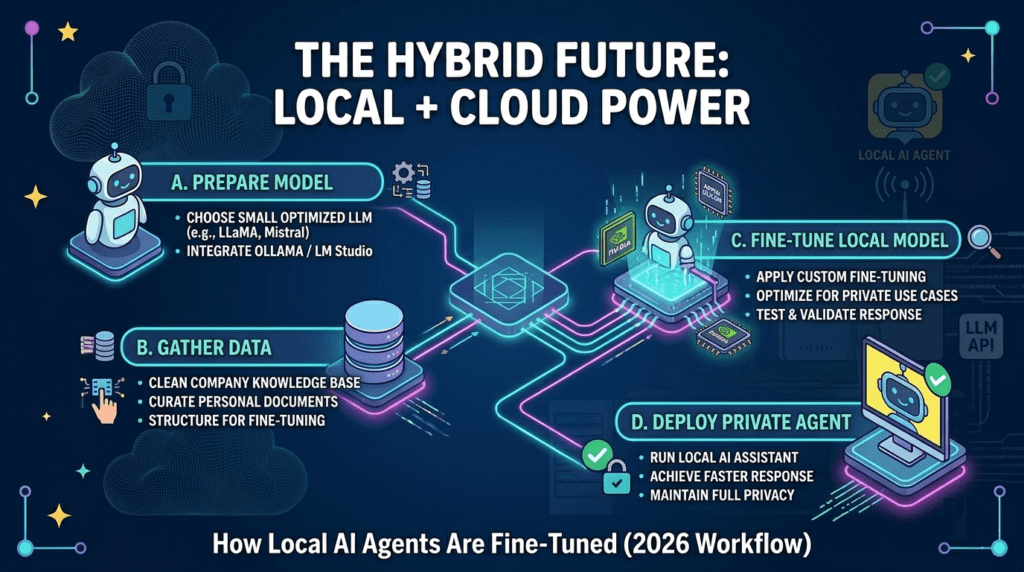
5. Custom fine-tuned models
Advanced users train their own assistants.
Possible uses:
- company knowledge base
- personal AI
- automation
- local agents
This is one of the biggest reasons people switch to local AI.
Why Cloud AI Is Still Dominant
Even in 2026, cloud AI is still the easiest option.
Services like those built on models from
OpenAI
remain more powerful than most local setups.
Reasons:
- huge GPU clusters
- constant updates
- no setup needed
- best performance
Local AI is growing, but cloud AI is not going away.
The real trend is hybrid usage.
The Hybrid Future: Local + Cloud Together
Many users now do this:
- cloud for large tasks
- local for private work
- local for experiments
- cloud for best quality
This approach gives:
✔ flexibility
✔ lower cost
✔ better privacy
✔ more control
Instead of replacing cloud AI, local AI is becoming a second layer.
Final Thoughts
In 2026, running AI on your own computer is no longer just for researchers. With modern GPUs, optimized models, and better software, local assistants are becoming realistic for developers, freelancers, and enthusiasts.
Cloud AI is still the most powerful option, but the gap is getting smaller.
The future is not cloud vs local.
It is both.